9Barista Mk.3 User Guide
Everything you need to get started with your 9Barista Mk.3, from first setup to cleaning and troubleshooting.
What's in the Box?
- 9Barista espresso machine
- Tamper
- Spare safety ring
- Spare boiler O-ring

Parts of your 9Barista

Follow Our Step-by-Step Instructions Below
Before you begin, make sure you have freshly roasted coffee and a grinder capable of espresso grind size. The 9Barista works best with coffee ground immediately before brewing.
The steps below will guide you through the full brewing process. After a few shots, the routine becomes quick and intuitive, from cold start to espresso typically takes 3–6 minutes.
Step 1
Fill the Boiler with cold water up to the fill line on the inside.

Top Tip
Lift the Safety Valve tab to release the vacuum for easier unscrewing.
Step 2
Screw the Group Head onto the Boiler

Top Tip
You can heat your 9Barista while carrying out steps 3 to 5.
Important: Only attempt this once you know you’ll be fast enough.
Step 3
Put 18g of freshly ground coffee into the Basket. Tamp with 5kg of force.

Top Tip
See the Dialing In section for getting the grind size right.
Step 4
Place the Basket cap gently back into the Basket.

Step 5
Lock the Portafilter onto the Group Head, and twist until sealed at 90°.

Step 6
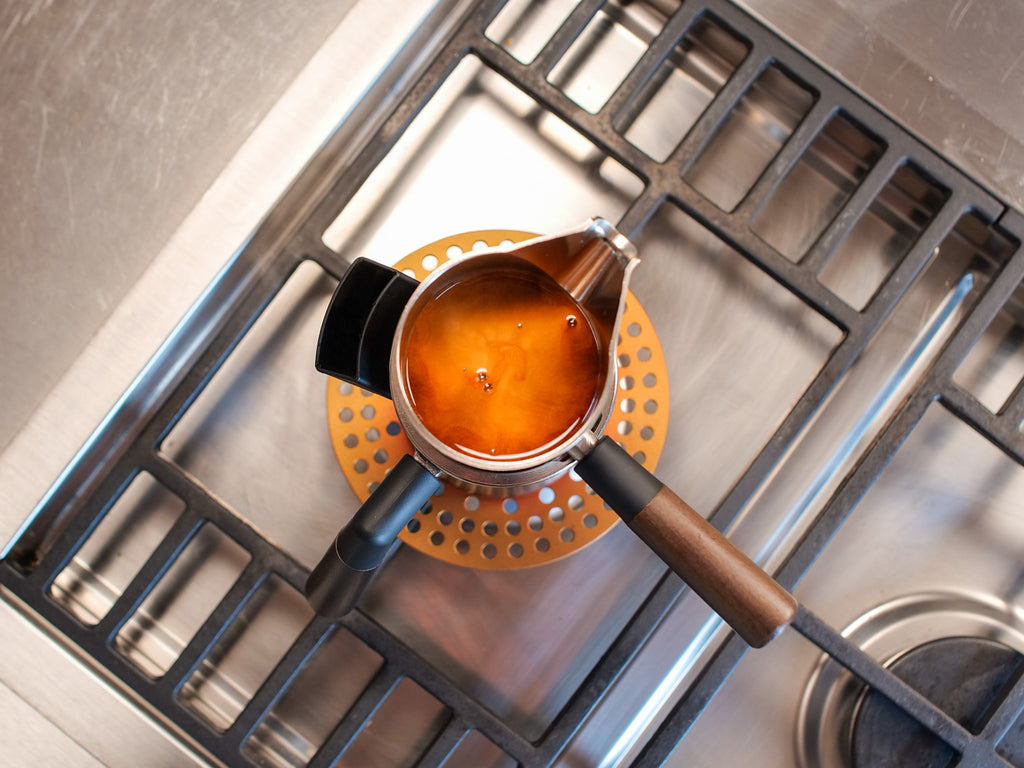
Place your 9Barista on medium-high heat, aiming for a 3–6 minute heat-up time. Keep handles away from direct heat.
Use the appropriate adaptor plate for your stove type. If you have the Mk.3 Pro model, you do not need an induction adaptor plate.

Warning
Do not leave your 9Barista on the stove for more than 8 minutes, as this may overheat the machine.
Step 7
Remove from heat when espresso stops rising. Turn off heat, pour, and enjoy!

Top Tip
To speed up the next shot, cool the machine under the tap after pouring.
Warning
Do not take the portafilter off to pour your coffee as it may still be under pressure.
Here's some useful resources for you:

Contact
Share blog posts, products, or promotions with your customers. Use this text to describe products, share details on availability and style, or as a space to display recent reviews or FAQs.

Help Center
Share blog posts, products, or promotions with your customers. Use this text to describe products, share details on availability and style, or as a space to display recent reviews or FAQs.

Policies
Share blog posts, products, or promotions with your customers. Use this text to describe products, share details on availability and style, or as a space to display recent reviews or FAQs.